AI Chat Client for iOS
Chat with Any AI Model
Privately, on Your iPhone
Thinklet connects to OpenAI, Anthropic, Mistral, Groq, Ollama, and every OpenAI-compatible API. Your conversations never leave your device.
Thinklet connects to OpenAI, Anthropic, Mistral, Groq, Ollama, and every OpenAI-compatible API. Your conversations never leave your device.
A focused, polished toolset designed for developers, writers, and professionals who want full control over their AI experience.
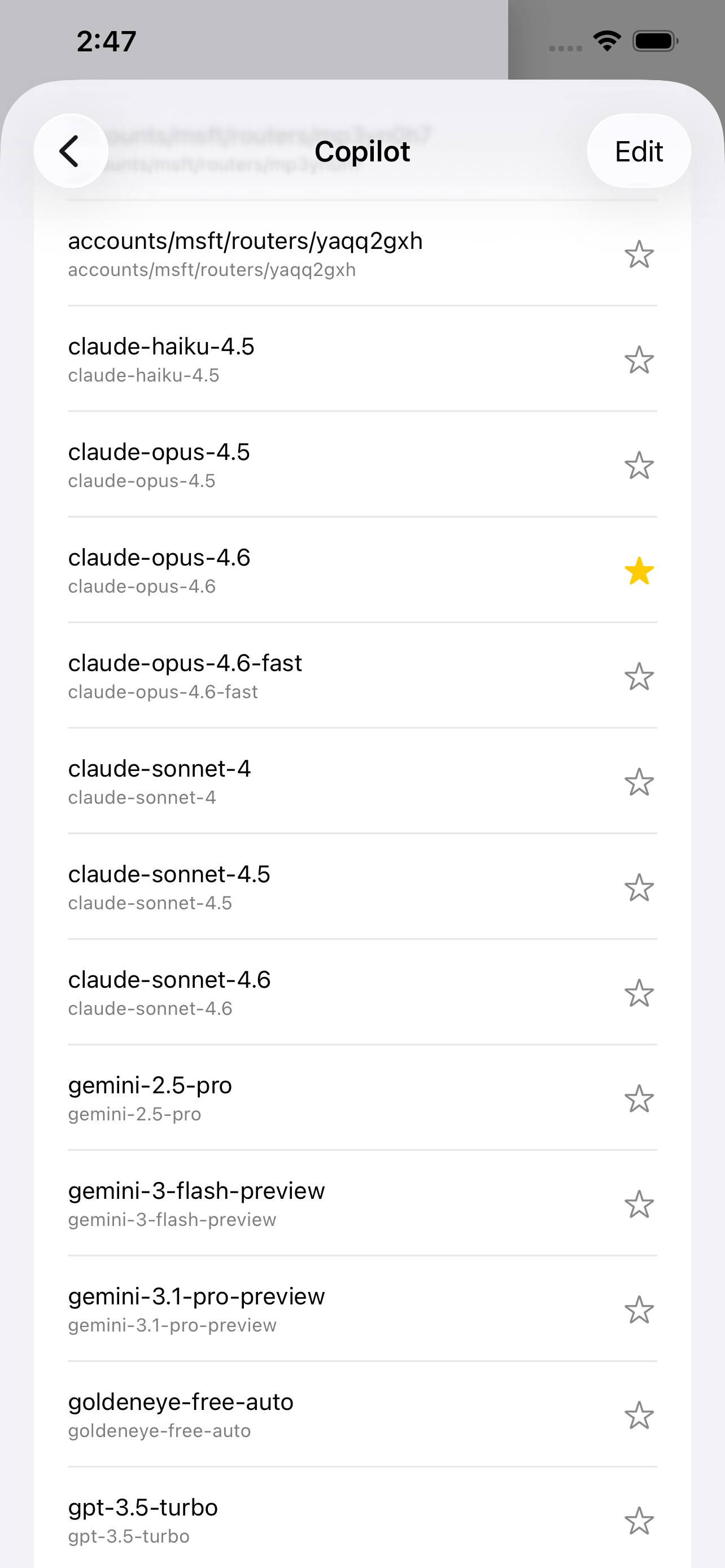
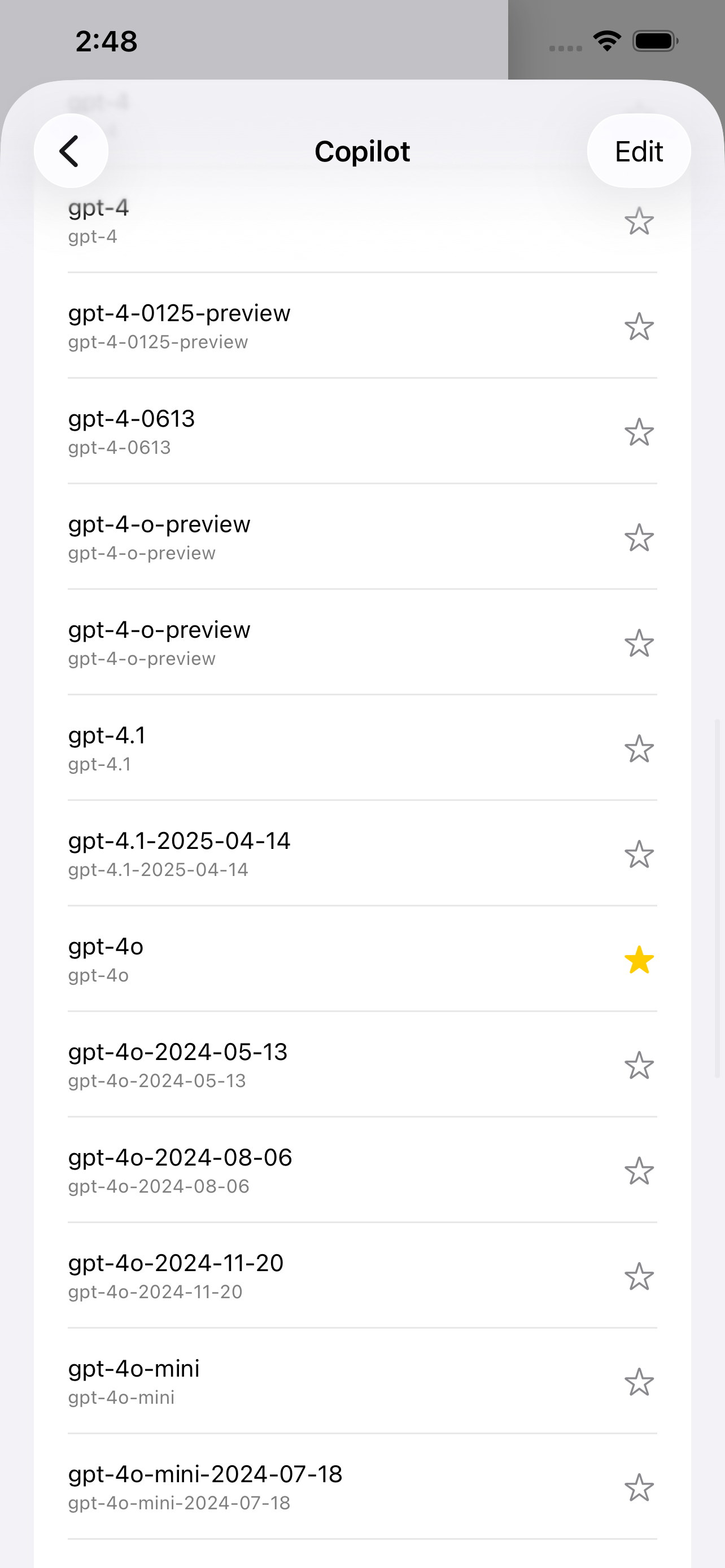
Add your API key and Base URL to connect any service following the OpenAI Chat Completions standard. Manage multiple platforms side by side, browse the full model list, and star your favorites.
Press and hold the mic button to speak. Thinklet transcribes your words in real time and sends the moment you lift your finger. Enable the speaker for hands-free AI responses read aloud.
Pick a photo from your library or attach a text or PDF file directly to your message. Vision-capable models analyze images; text files are embedded as context so the AI understands your documents.
Choose from built-in templates — General Assistant, Blog Writer, Code Expert, Translator, Academic Editor, Creative Writer — or craft and save your own. Each conversation can have its own persona.
Fine-tune Temperature, Max Tokens, Top-P, and streaming mode for every chat independently. Add custom key-value parameters for advanced API features without writing a single line of code.
Connect external tools and data sources via the Model Context Protocol. Enable web search, code execution, database queries, or any MCP-compatible service — assign different tools per conversation.
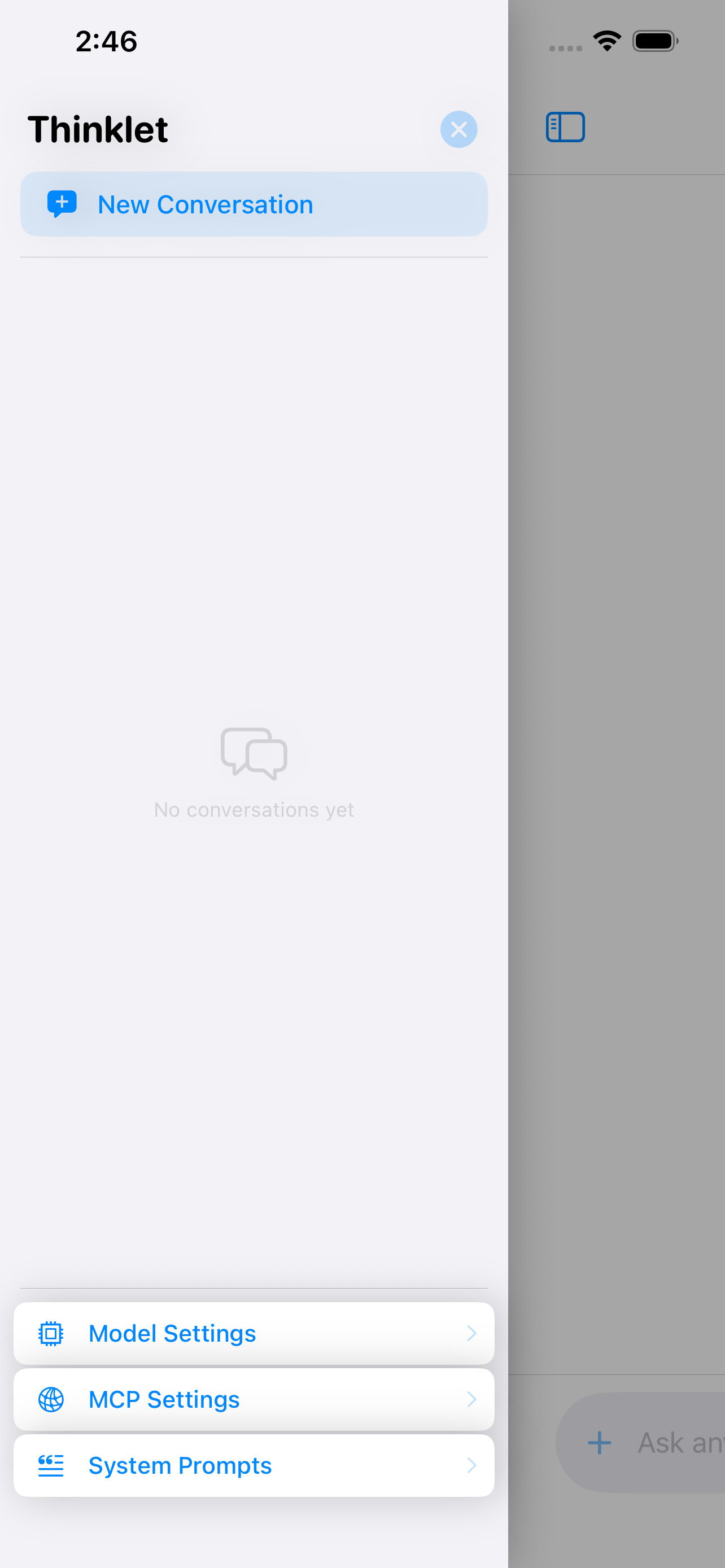
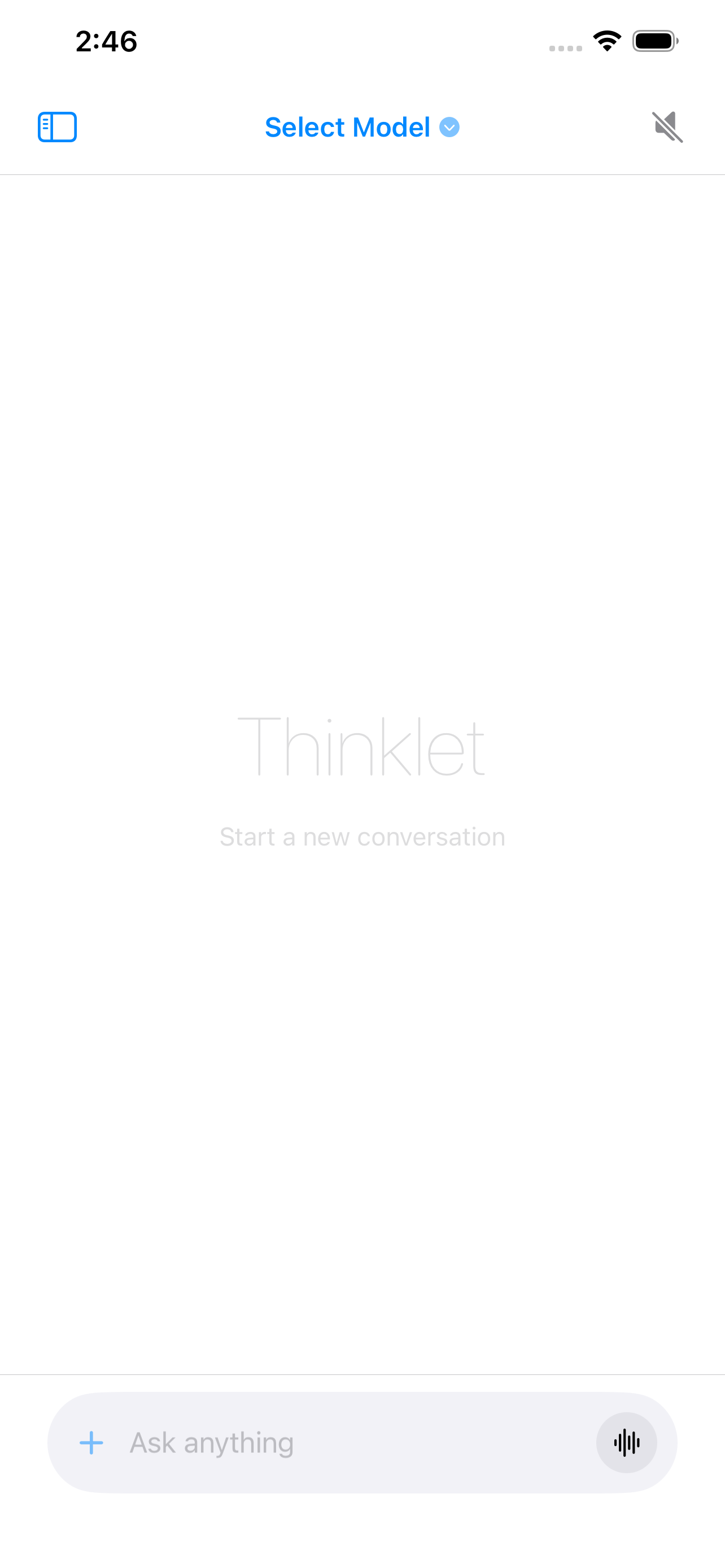
A sidebar keeps all conversations organized. Swipe right or tap the menu icon to open it. The minimal input bar stays out of the way until you need it. Dark mode and Dynamic Type fully supported.
Conversations, settings, and API keys are stored locally using iOS secure storage. No account required, no cloud sync, no telemetry. What you type stays on your device — always.
Thinklet was designed from the ground up with privacy as a core principle, not an afterthought.
All conversations, API keys, and settings live exclusively on your iPhone using iOS secure storage.
No sign-up, no registration. Open the app and start chatting — your identity is your own.
Your data never leaves your device. No server-side processing, no backup to third-party clouds.
We collect no analytics, no crash reports, no usage statistics. What you do is none of our business.
No configuration wizard. No friction. Just paste your API key and go.
Get the app from the App Store. It's free to download — you only pay for the API usage you choose.
Open Model Settings, paste your API key, and add the Base URL of your chosen AI provider.
Browse the full model list, star your favorites, and select the one that fits your task.
Type, speak, or attach a file. Thinklet takes care of the rest — privately, locally, beautifully.
Download Thinklet and connect to any AI model in seconds. Your data stays with you.
Download on the App Store